FREE Live weekend sessions from 10 Oct

Put AI to work. For real.

Join a free live session and learn how to use Claude, ChatGPT, Gemini and Copilot to get more done every day. Like what you learn? Continue the learning path and earn a certification that adds credibility and opens up new opportunities.

✓100% free first session✓Live & hands-on✓Saturdays & Sundays✓Certification path
How it works

From curious to certified, one weekend at a time

Learn with a live trainer, work through practical examples, and leave with something you can use on Monday.

Register free

Pick a programme and the weekend date that suits you. Takes 2 minutes.

Get your invite

You get a confirmation email now. The meeting link follows when the session is scheduled.

Attend live

A hands-on session with real-world use cases, and your questions answered live.

Continue & get certified

Liked it? Continue the full learning path and earn a certificate that proves your skills.

Choose what excites you

Three programmes. Pick your path.

Every programme starts with a free live session and grows into a structured, progressive course.

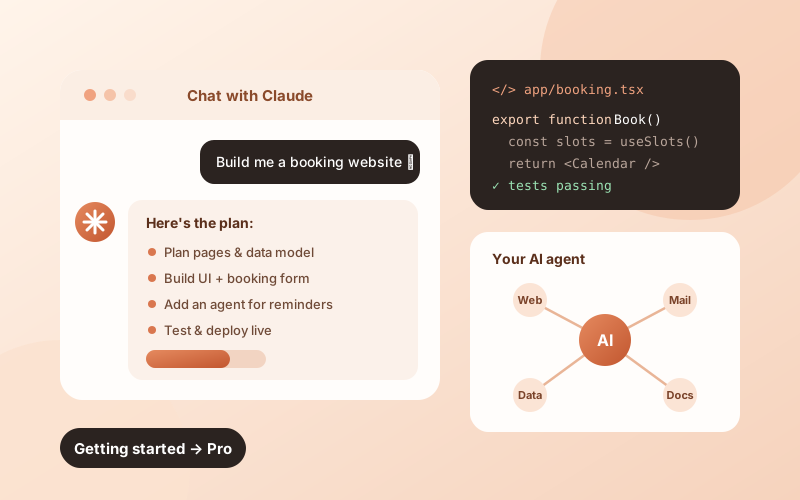
Getting Started with Claude illustration

Getting Started with Claude

From first prompt to shipping agents, apps & dynamic websites

Learn how to use Claude for real work: writing, research, analysis and coding. Then move to a structured way of building software with Claude, including agents, apps, websites and dynamic sites.

  1. 1Get startedClaude.ai, Projects, Artifacts, prompting that works, everyday productivity
  2. 2Structured software developmentPlan, build, test and review with Claude Code in a repeatable workflow
  3. 3Build agentsTools, MCP connectors, and automating multi-step tasks end-to-end
  4. 4Ship apps & websitesFrom idea to a live dynamic site, with forms, data and deployment
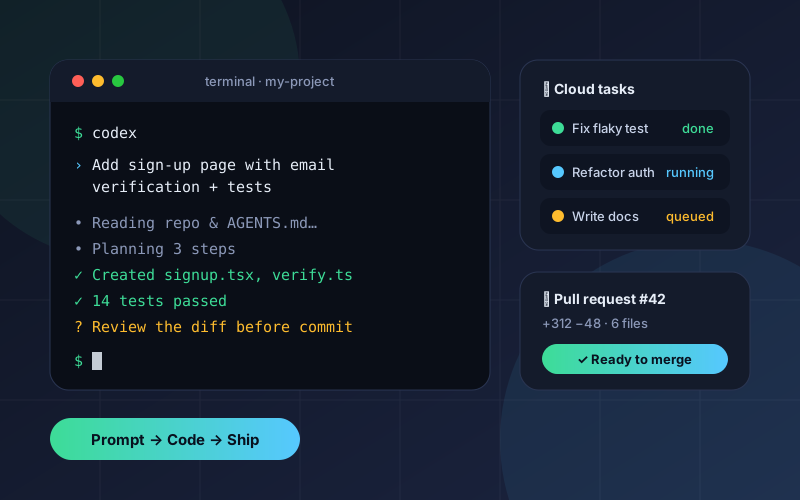
Building with OpenAI Codex illustration

Building with OpenAI Codex

Your AI pair-programmer from the terminal, the IDE and the cloud

Get hands-on with OpenAI Codex: set it up, give it well-scoped tasks, and review its work with confidence. Learn how to go from ChatGPT-style help to letting an agent write, test and ship code for you.

  1. 1Get startedChatGPT vs Codex, setup of CLI & IDE extension, your first task
  2. 2Delegate like a proScoping tasks, AGENTS.md, context and guardrails
  3. 3Cloud tasks & reviewsParallel tasks, pull requests, and AI-assisted code review
  4. 4Real project buildTake a feature from ticket to tested, merged code
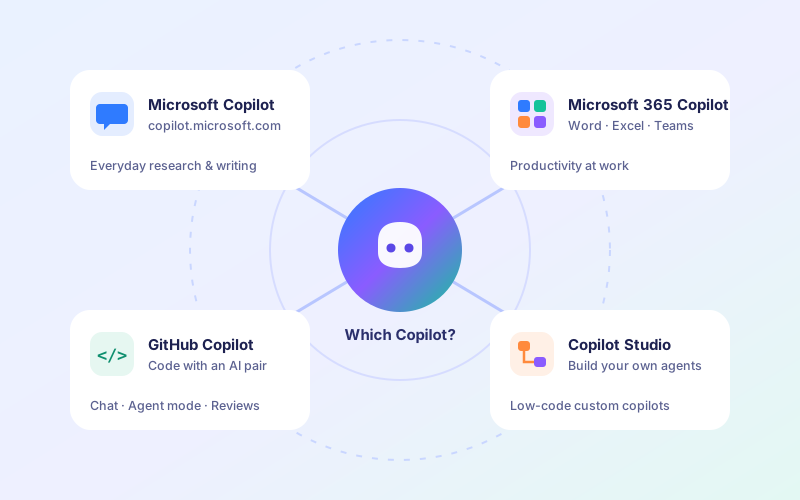
The Microsoft Copilot Path illustration

The Microsoft Copilot Path

Every Copilot explained, from everyday use to building your own

There is a big opportunity in Copilot, but there are many of them. We start by showing what each one does and who it is for. Then a progressive course takes you deeper into the ones that matter for your work.

  1. 1Microsoft Copilotcopilot.microsoft.com for everyday research, writing and ideas
  2. 2Microsoft 365 CopilotCopilot inside Word, Excel, PowerPoint, Outlook and Teams
  3. 3GitHub CopilotAI pair-programming, chat and agent mode in your IDE
  4. 4Copilot StudioBuild your own custom copilots & agents, no heavy code needed
1About you
Is this number on WhatsApp? *
2What you do
How often do you use AI tools today? *
3Choose your programme
Pick a programme to see what the session covers ✨
4Pick your session date
Which date works best for you? * (live sessions on weekends)
10–11 Oct
17–18 Oct
24–25 Oct
31 Oct – 1 Nov
7–8 Nov
14–15 Nov
21–22 Nov
28–29 Nov
5Your interests (optional)
What would you like to use AI for?
A confirmation email will be sent right away.
FAQ

Good questions

Is the session really free?

Yes. The first live session is completely free. After it, you can choose to continue the full learning path and certification. There's no obligation.

Do I need a technical background?

No. The Claude and Copilot programmes start from zero. Codex is aimed at people who write or want to write code, but beginners are welcome.

When will I get the joining link?

Once your batch date is finalised, we email you a meeting invite with the time, the joining link and a calendar invite. Keep an eye on your inbox (and spam folder).

What do I need for the session?

A laptop with a stable internet connection. A free account on the tool you picked (Claude, ChatGPT or Microsoft) helps you follow along hands-on.

Can I change my date or programme?

Yes. Just submit the form again with the same email. Your latest choice for each programme is what we'll use.